 Diagnostic Software Guide
3 min read · November 2026
With newly added IMT Clear Learning Value and IMT Filling Check special functions for identified 2021 onward Hyundai® Kona and i20 vehicles, technicians can complete important post-repair and fluid-servicing requirements directly from a compatible Snap-on® diagnostic platform.
Transmission special functions for identified Hyundai® Kona and i20 vehicles, 2021 and newer:
These functions support two key stages of applicable IMT work: clearing learnt information associated with removed components and checking the filling process after specified servicing or repairs involving fresh transmission fluid.
Replacing worn internal gearbox components may not complete the job. On supported applications, the transmission can retain learnt values associated with the condition of the removed parts. Where specified, IMT Clear Learning Value resets that previous information so the repaired gearbox is not continuing to operate around the wear characteristics of the old components.
IMT Filling Check supports specified gearbox servicing and repairs where fresh transmission fluid has been added. Adding the stated quantity alone may not complete the required filling process. The function helps check for remaining air and supports the required process after applicable repair work.
Used in the correct sequence and in accordance with the on-screen instructions and current manufacturer service information, these functions help technicians complete the electronic and fluid-servicing stages that follow applicable Hyundai® IMT repairs.
If the previous learnt values are not cleared after applicable internal gearbox work, the repaired gearbox may feel harsh or notchy even when the mechanical repair has been completed correctly. The technical briefing also identifies difficult or impossible gear changes and lack of drive as possible outcomes, and notes that a relevant DTC is not usually stored for this condition.
Discover why learnt transmission values may need to be cleared after internal gearbox work, how trapped air can affect the filling process, and why both functions matter to the post-repair setup on supported Hyundai® IMT applications.
Interested in More? See Full Training Calendar
Missed a session? Find all previous episodes on our Training Solutions YouTube Channel
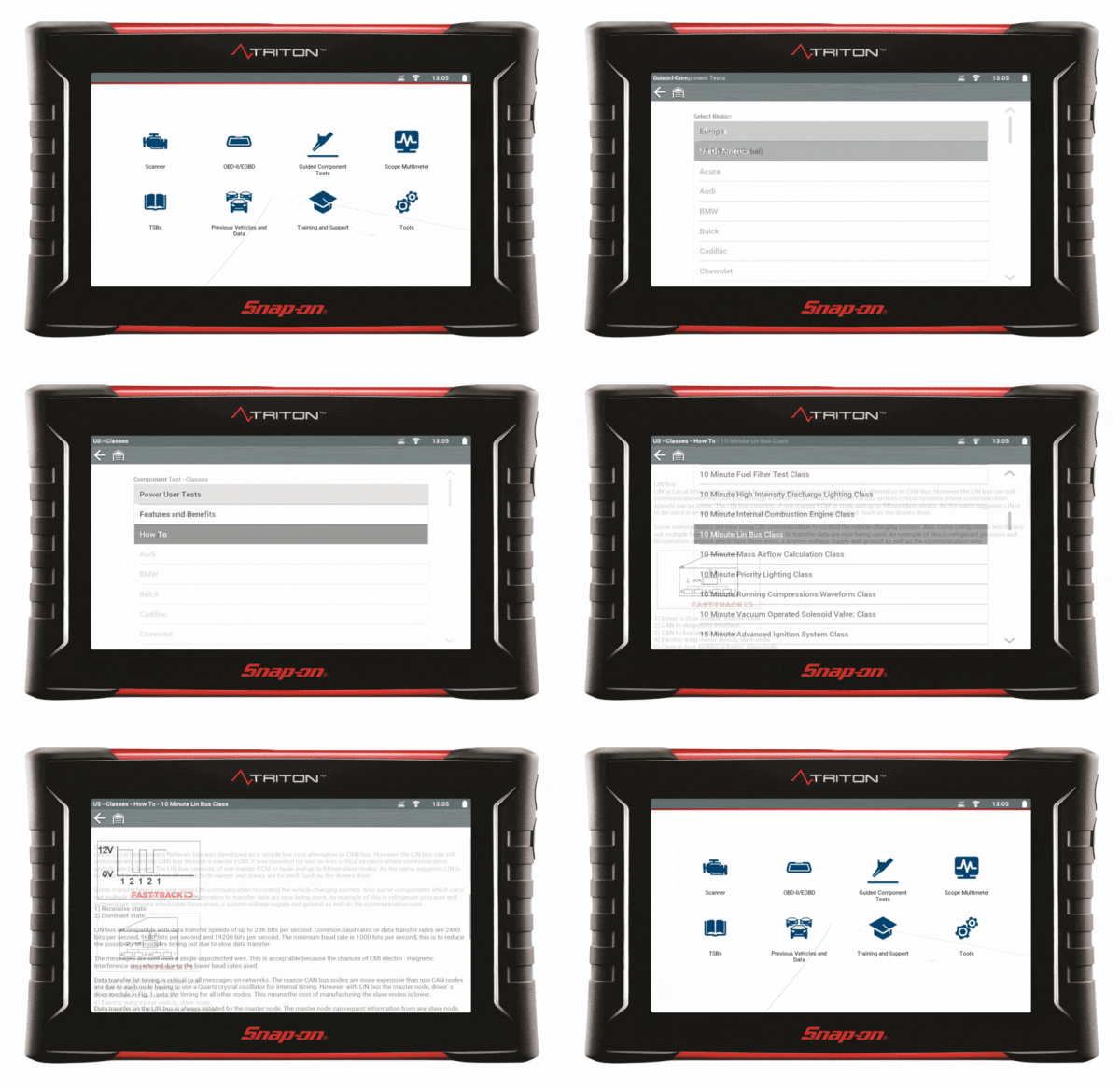
This exclusive feature transforms your diagnostic platform into an on‑demand learning hub you can access anytime, at your own pace.
Here you’ll find practical, topic-based training, including:
The current software release includes over 70 topic-based training courses within Guided Component Tests.
Exclusively available on MODIS®, TRITON™, ZEUS® & Vantage® platforms with current software.
Purchase a Software Plan
Keep your tool performing at its best. Software options help you diagnose problems faster and tackle even the toughest repairs with confidence. Click below for more information or contact your Snap-on Franchisee for the latest software deals.
Download the Latest Software
If you are a software subscriber, purchased a prepaid plan or participated in a free software offer, you can perform your own software installation by downloading the latest software release through the ShopStream® Self-Service application, quickly and easily.
This content is intended for informational purposes only and is designed to provide general technical insight. It is not intended to serve as step‑by‑step repair or diagnostic instruction. Always follow manufacturer‑approved procedures and safety guidelines when carrying out vehicle diagnostics or repairs.